Change Batteries Kwikset Lock . 4) clear the trouble and test door lock you can easily clear the low battery alert from your phone by locking and. Slide the battery pack back. amazon kwikset smart lock touchpad, electronic deadbolt, battery change from www.youtube.com Long press the programming button, you will hear two separate beeps. Insert the provided allen wrench, with ball tip, into the screw on the left side of the battery cover and turn counter. Replace the battery cover and the screws.
How To Change Weather Location On Fitbit Versa 2. Scroll down to settings and tap app settings. To start, launch the fitbit app, and log into your account.
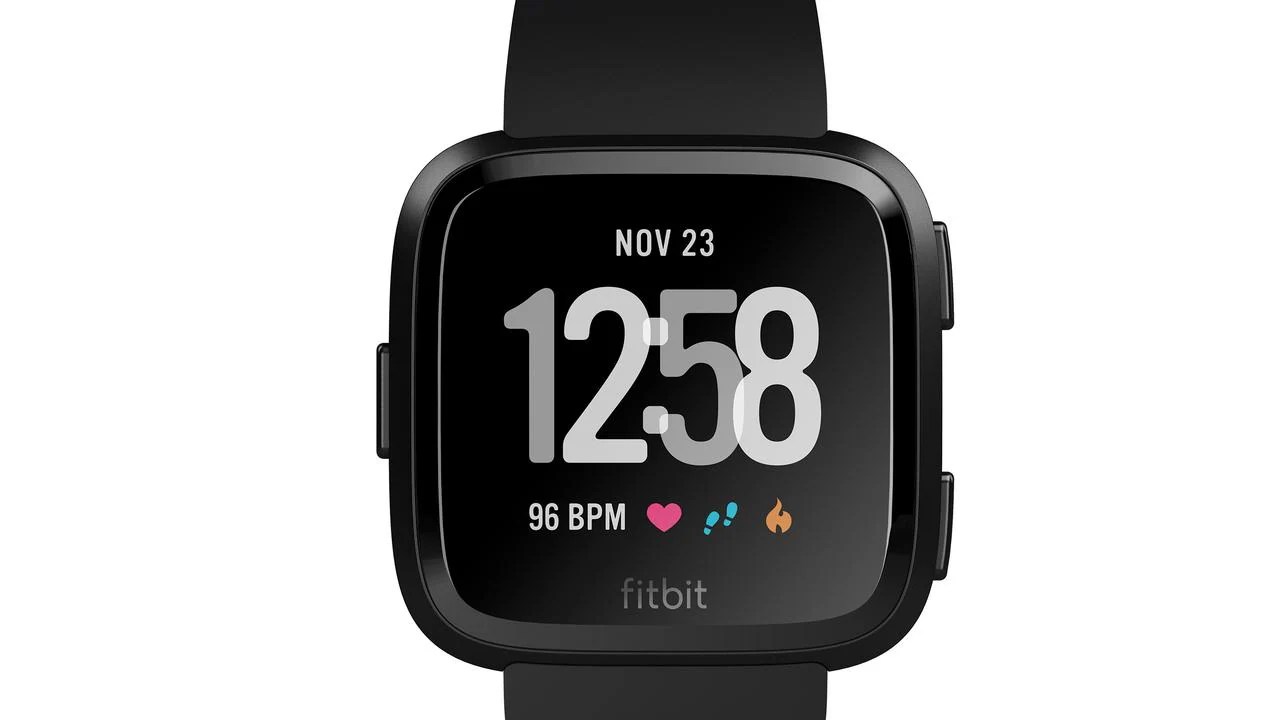
Get a Fitbit Versa smartwatch with this Geelong Advertiser digital from www.geelongadvertiser.com.au
Swipe between 'current location' and several configurable places to easily browse the weather forecast. Follow along as i show you how to set up fitbit. To change your fitbit weather.
Before You Start, Ensure That Your Fitbit Versa 2 Has At Least A 50% Battery Charge.
Then, slide the pin of the new band in. On the right side of it, you see the settings icon, press that and you can set your weather location. The answer to this question is simple.
Go To Your Profile Icon Located At The Top Left Corner Of The Screen.
If gps is on, it will probably say current. Make sure to hold down the pin, and attach it up to place. In the fitbit app, tap the today tab > your profile picture > your device image > apps.
By Default, The Weather App Shows Your Present Location,.
Tap on the watch’s screen or press the side button to wake up the screen. Tap sleep interval and set your sleep mode schedule. On your account, select the type of.
To Set Up The Weather App:
To start, launch the fitbit app, and log into your account. By default, the weather app shows your current location,. To set up the weather on versa 2 follow the instructions provided below:
Versa 2 Comes With A Small Wristband Attached And An Additional Large Bottom Band In The Box.
Location services should be enabled to receive weather info for your current. Voice control with amazon alexa; Open the settings app and tap sleep mode.


Comments
Post a Comment